Watch this issue
AI for Email and Business Communication | PichaiTech #012
C — Context
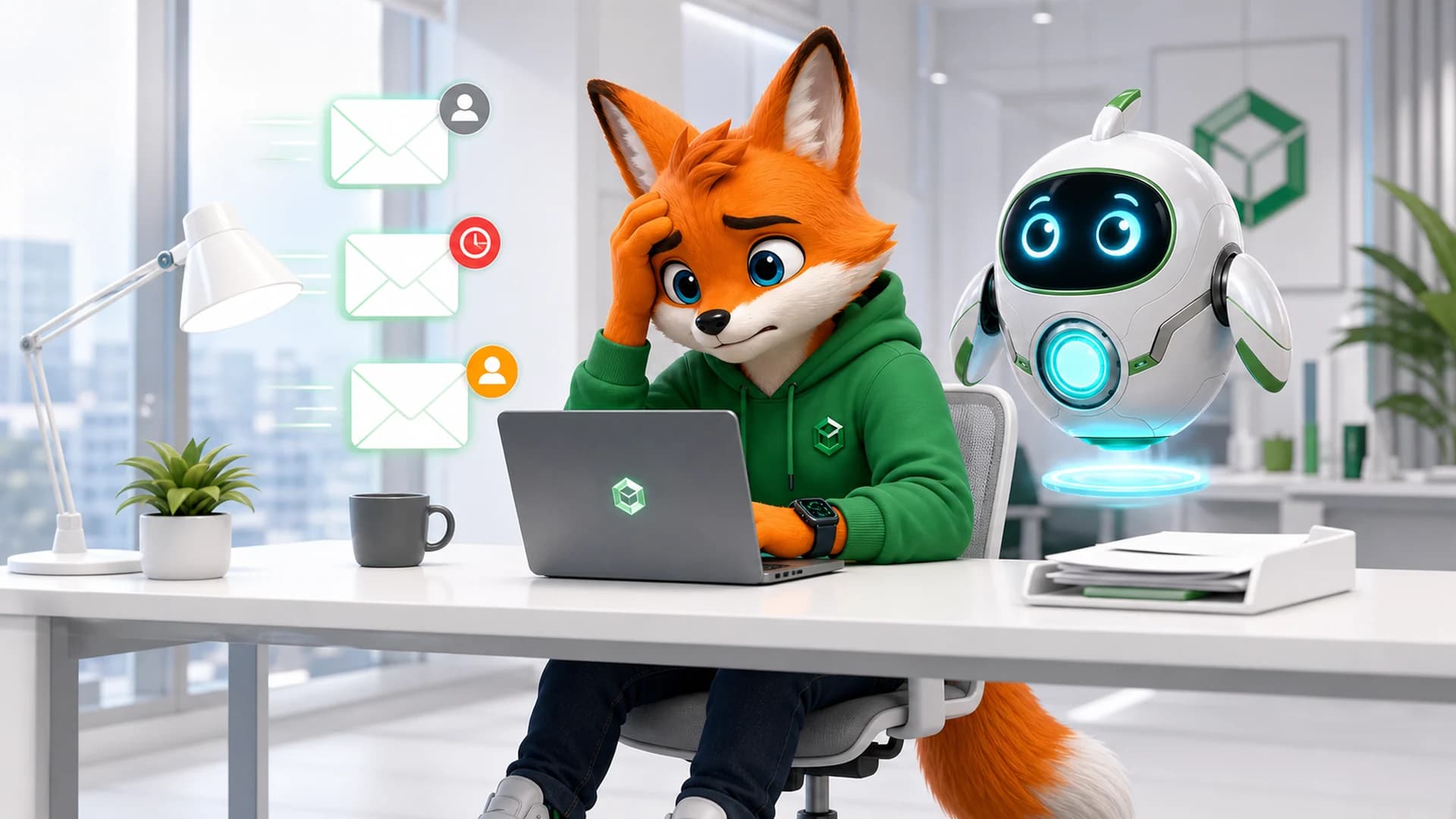
Don’t just say, “Write a follow-up email.” Try: “I sent a proposal seven days ago. The customer has not replied. I want to follow up without sounding impatient.” Now AI has a situation, not just a task.
L — Listener
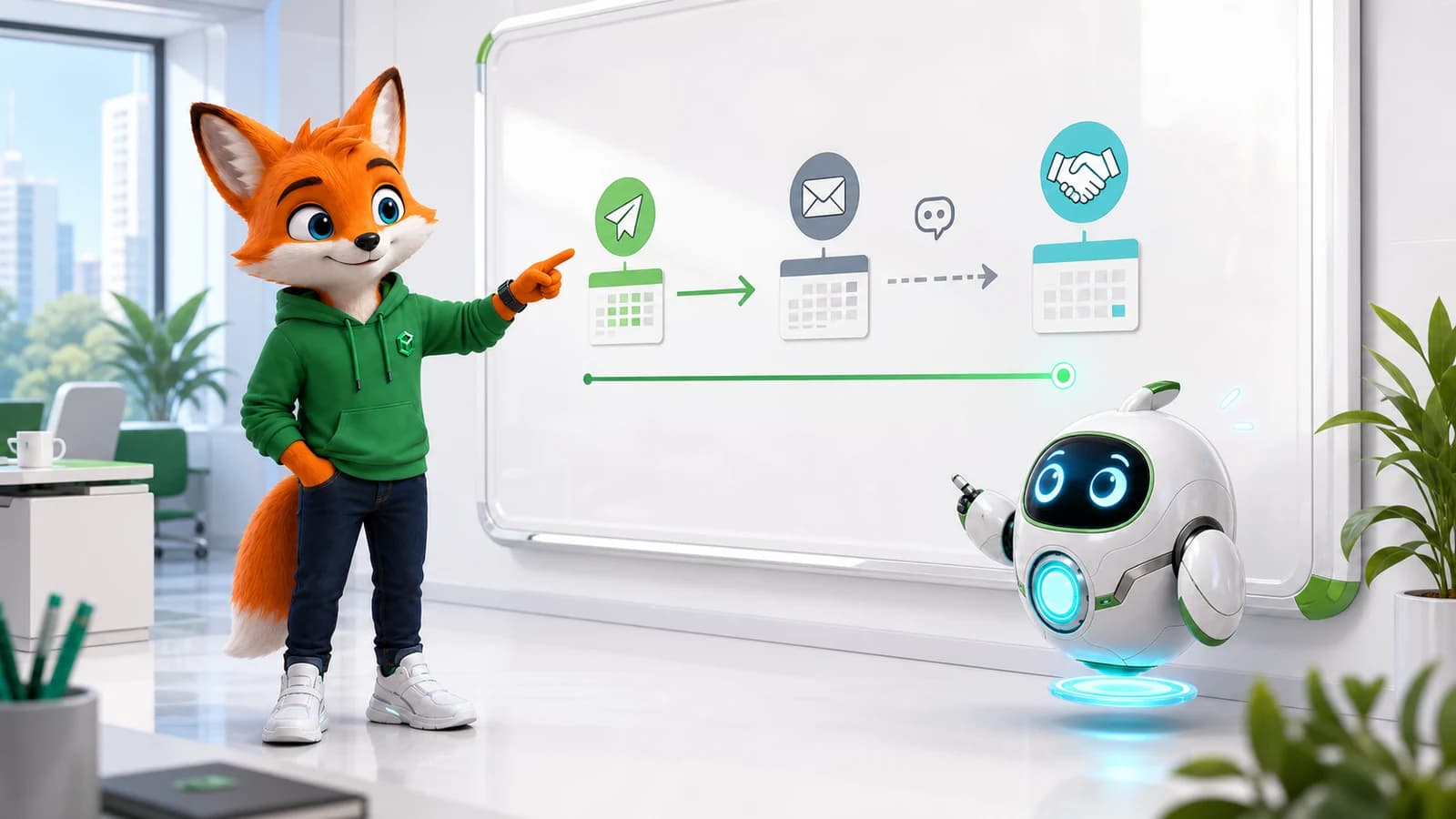
Who will read it? A close teammate, a long-term customer and a senior executive should not all receive the same style of message. Tell AI who the reader is and what the relationship is.
E — Expected Outcome
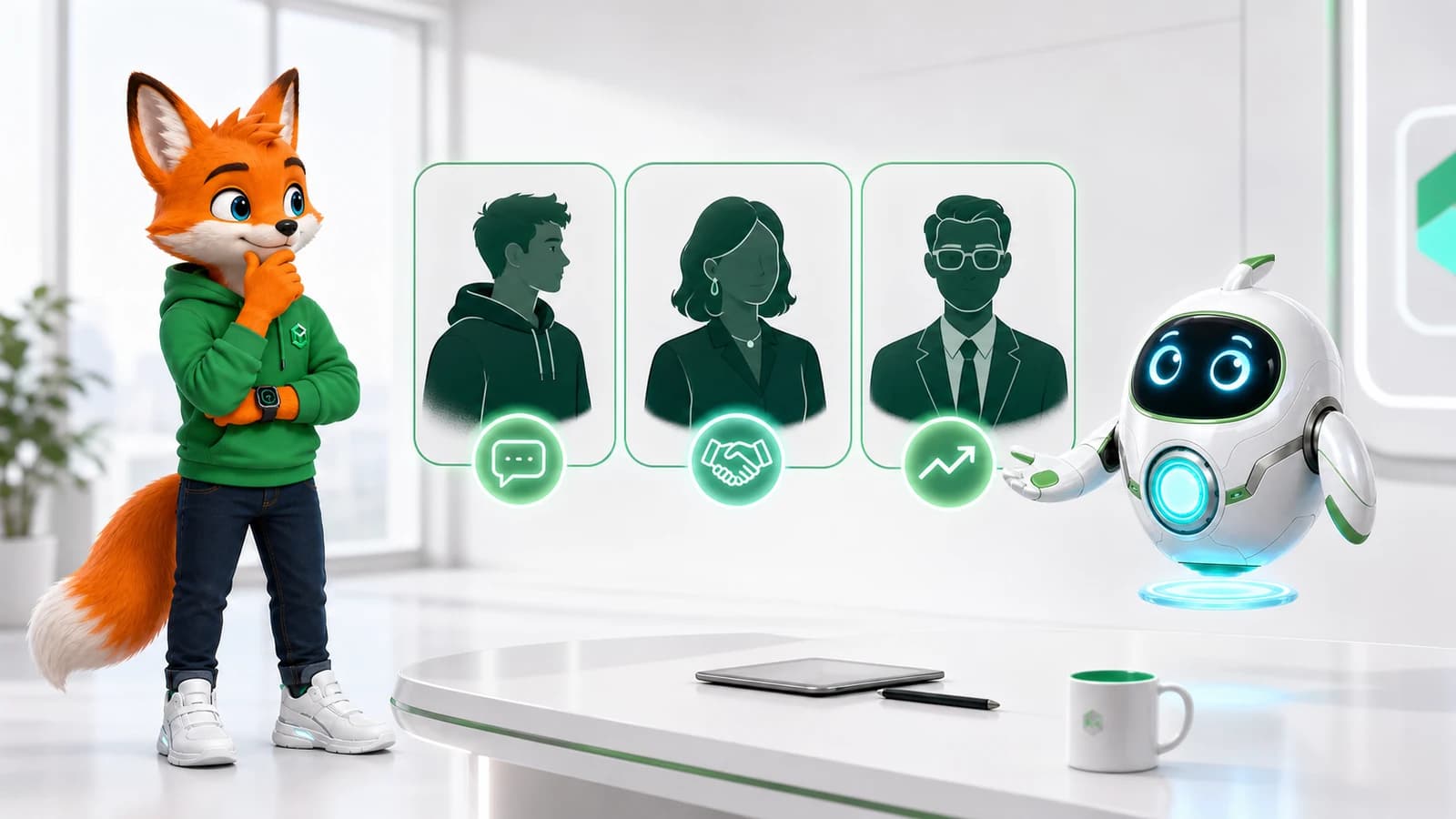
What should happen next—a decision, meeting, confirmation or document by Friday? Instead of “make this better,” say what result you want.
A — Appropriate Tone
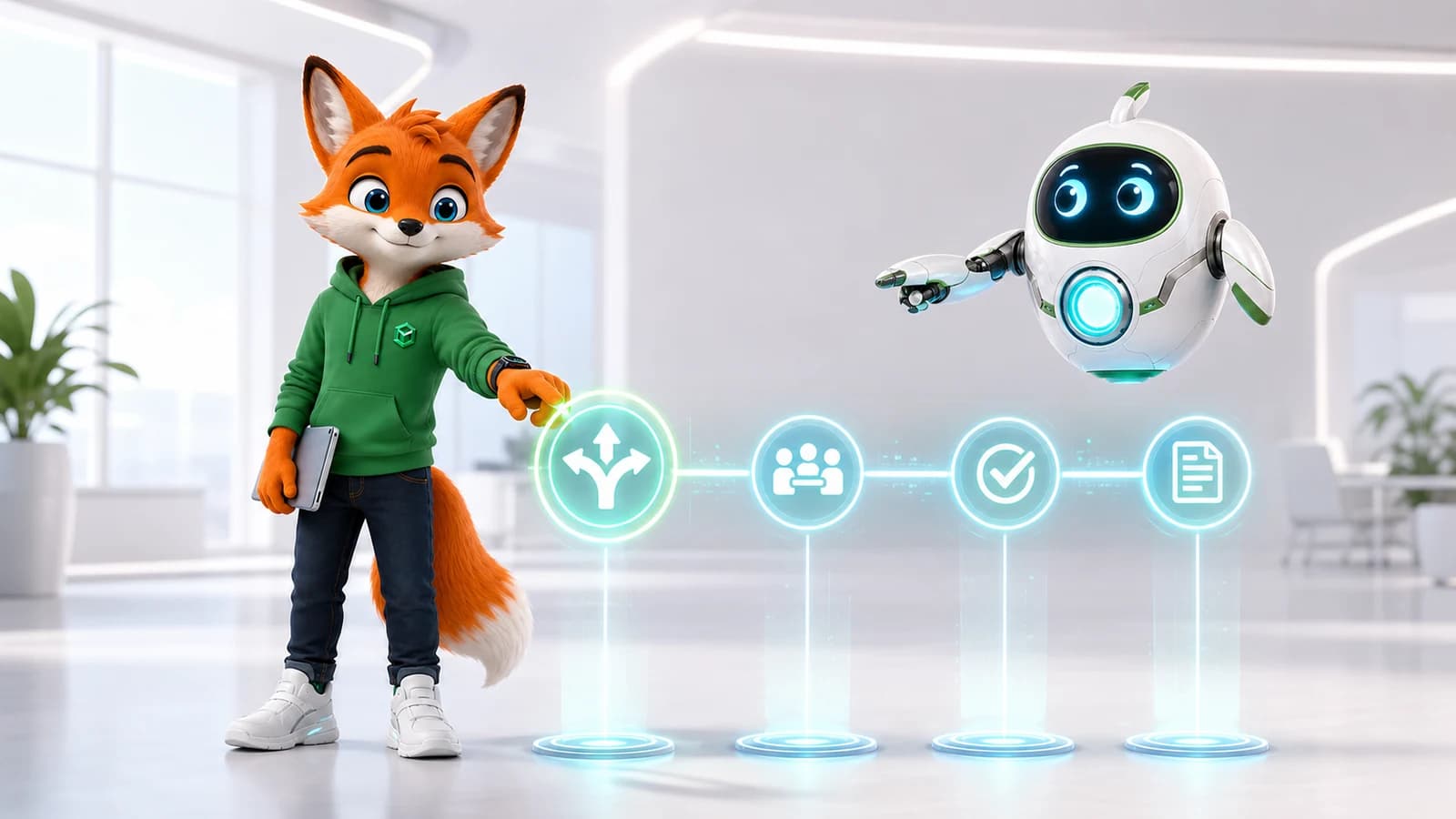
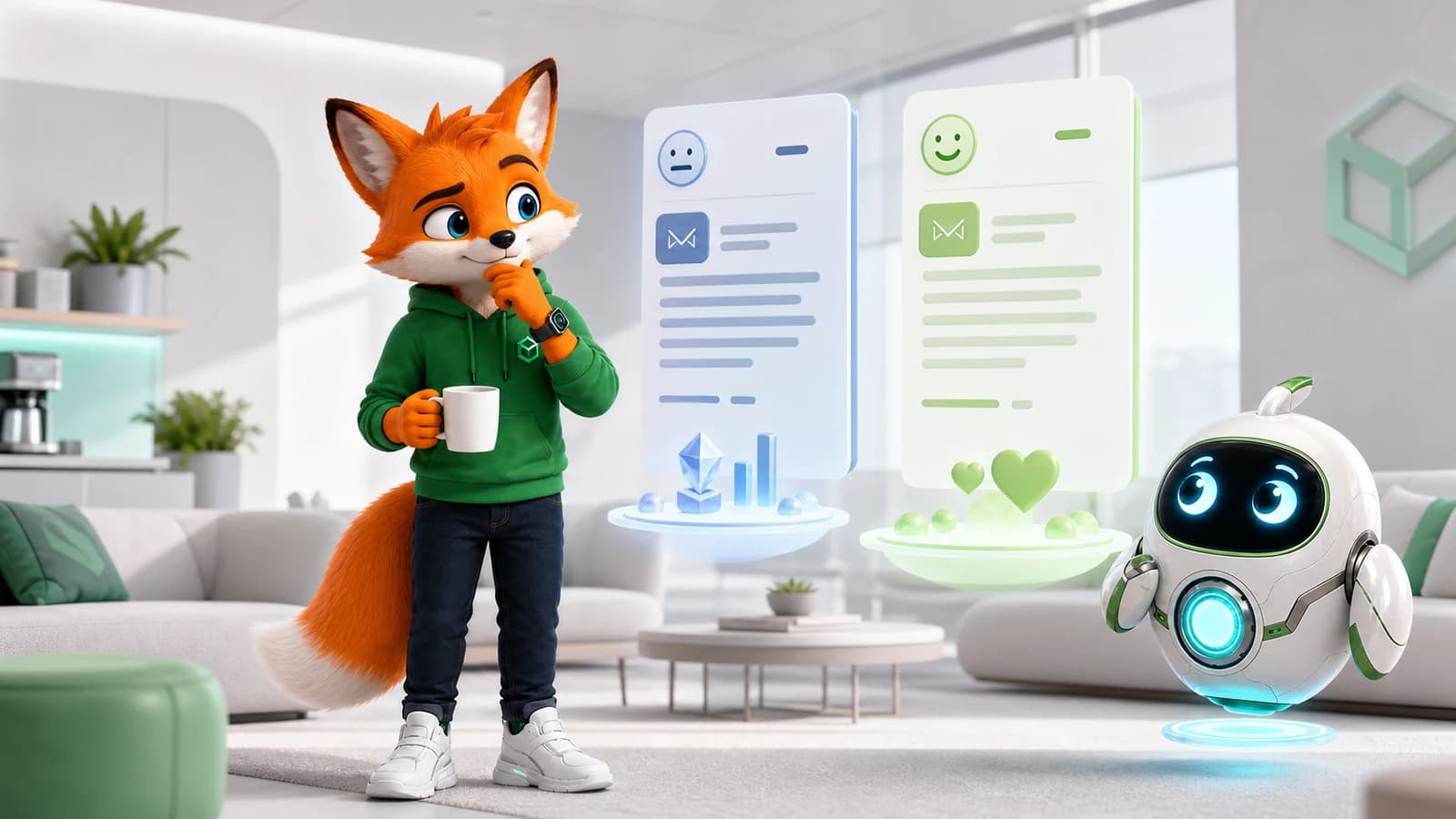
Warm? Concise? Neutral? Firm but respectful? Ask for two versions when you are unsure, then choose.
Coffee Break
Remember the last email you rewrote three times. Was grammar really the problem, or were you trying to get the tone right?
R — Review Before Send
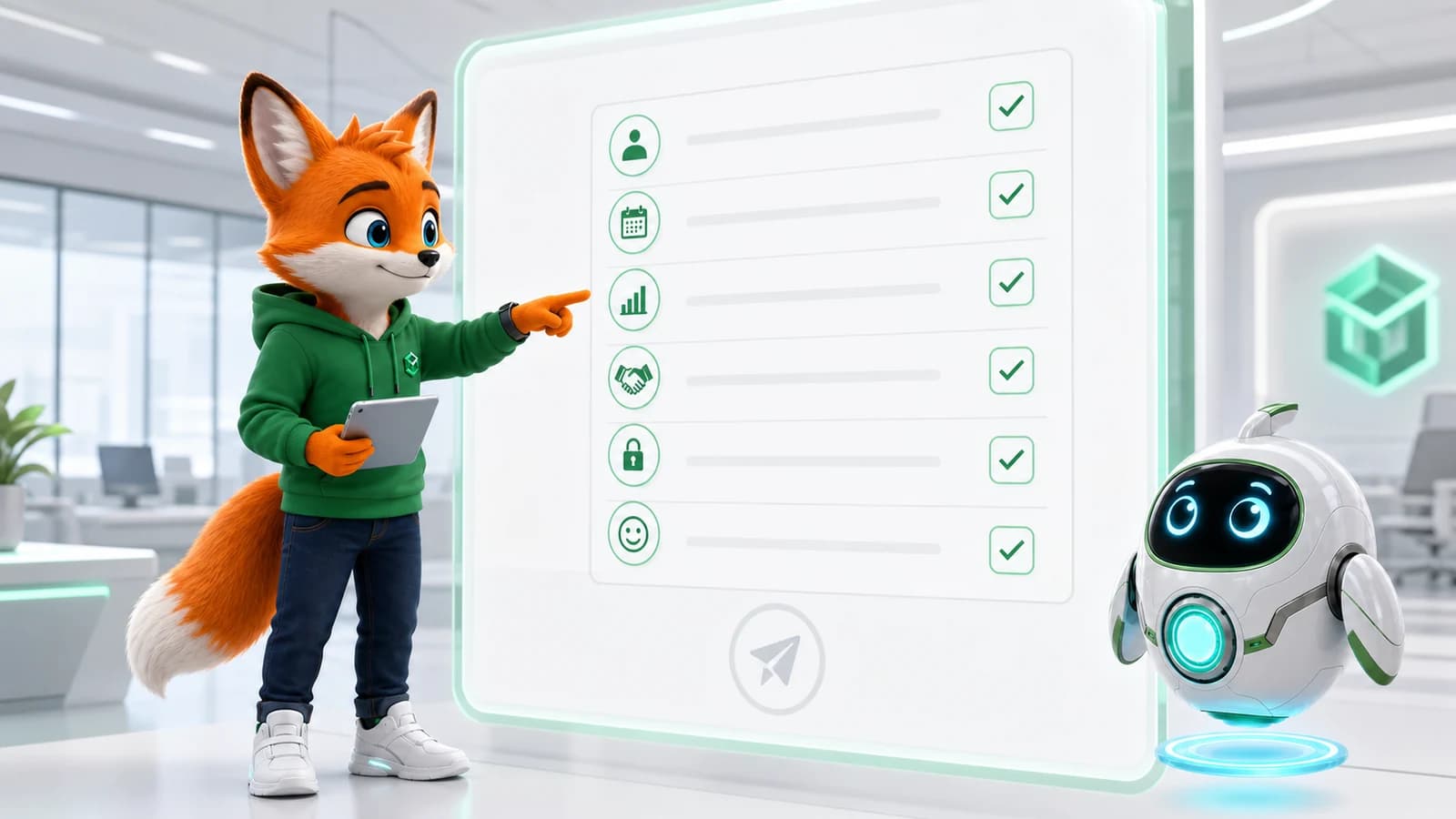
Check names, dates, numbers, promises, confidential information and tone. Ask yourself: would I be comfortable if this were forwarded to my manager?
AI can draft the message. You still own the message.
Simple Workflow
- Give context.
- Identify the listener.
- State the expected outcome.
- Choose the tone.
- Ask AI for a draft.
- Review and edit.
- Send it yourself.
PATH Insight
AI can help you find the words. It should not decide what you mean.
Try It Today
For one real email, write four lines: Context, Listener, Outcome and Tone. Ask AI for a draft, then do the final Review Before Send yourself.
Key Takeaways
Give context. Identify the reader. Define the outcome. Choose tone deliberately. Never outsource the final review.
Next
Issue #013 — AI for Meetings and Notes
FAQ
Questions professionals often ask
Can AI send business emails for me?
AI can help draft an email, but you should review names, facts, promises, confidential information, tone and consequences before sending it yourself.
What does C.L.E.A.R. stand for?
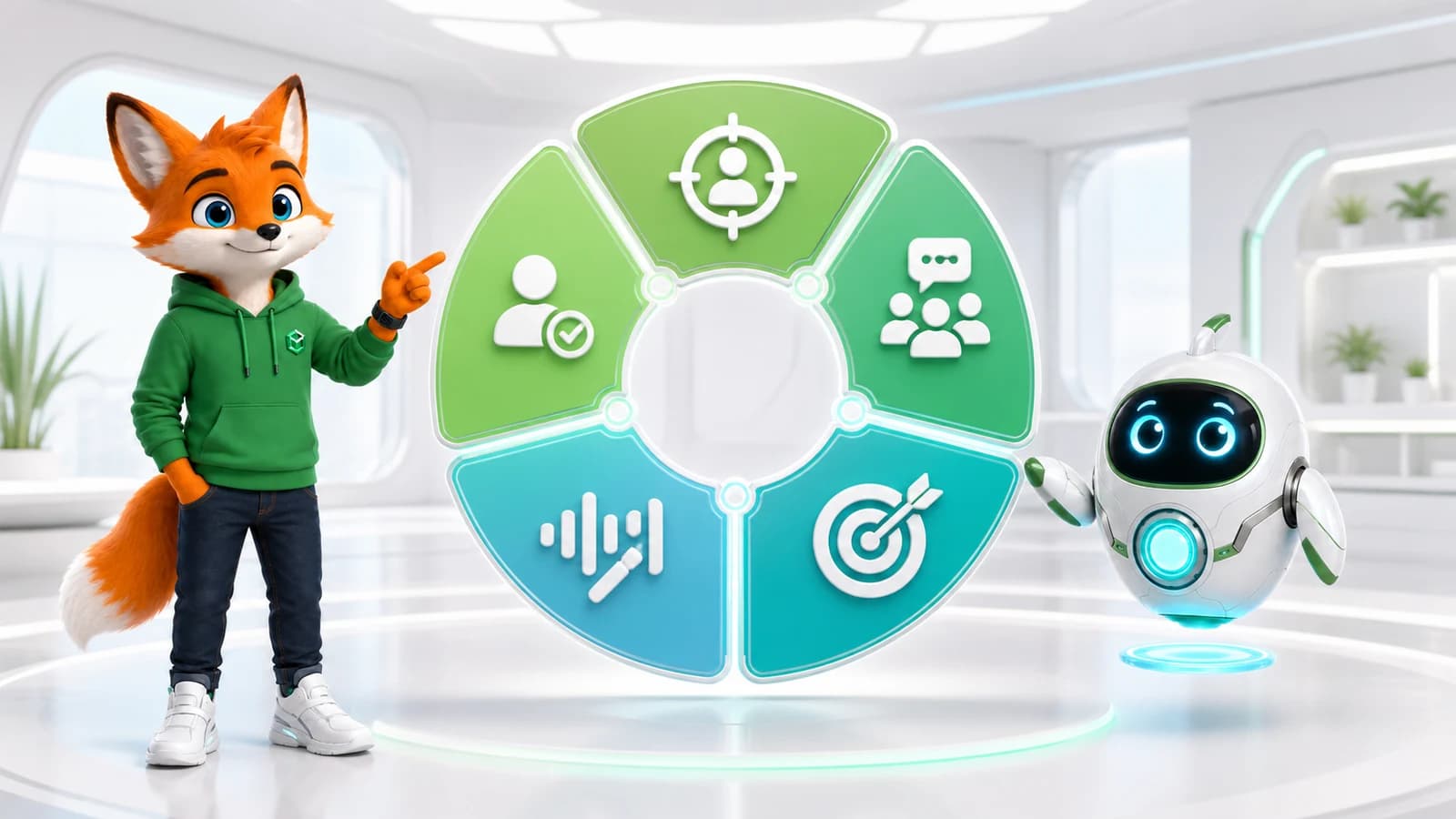
Context, Listener, Expected Outcome, Appropriate Tone and Review Before Send.
How do I improve the tone of an AI-written email?
Describe the reader and relationship, name the intended outcome, request a specific tone and compare alternatives before editing the final message.