
Watch this issue
Build Your Personal AI Workflow | PichaiTech #011
Introduction
It’s Friday afternoon.
You are almost ready to close your laptop when you remember:
The weekly update.
Again.
You open last week’s report. Then your notes. Then the meeting notes. Then three messages you saved because “I’ll need this on Friday.”
Sound familiar?
You could open an AI tool and type:
“Write my weekly report.”
It might help.
But next Friday, you will probably be back in exactly the same place.
The problem is not that you need a better prompt.
You need a better workflow.
A prompt helps once. A workflow helps again next week.
Think about making coffee.
You do not wake up every morning and redesign the entire coffee-making process.
Cup. Coffee. Water. Done.
Work should sometimes be that simple too.
An AI workflow is just a repeatable way of doing a job where you decide:
What do I do? What can AI help with? And where do I need to check the result?
No coding required.
Let’s build one.

W — Watch the Work
First, forget AI for a moment.
Pick something you already do regularly.
Maybe it is:
- a weekly report;
- meeting preparation;
- customer email replies;
- a presentation outline;
- research notes;
- a project update.
Now watch yourself doing it.
Where does the information come from?
What do you copy and paste every time?
Which part makes you think?
Which part just makes you sigh?
That last question is surprisingly useful.
For our example, let’s use a weekly management update.

O — Outline the Steps
Write down what actually happens.
Not what the official procedure says happens.
What really happens.
Maybe your Friday report looks like this:
- Find your notes.
- Collect updates from the team.
- Work out what actually got finished.
- Identify problems.
- Write a summary.
- Check names, dates and numbers.
- Decide what matters next week.
- Send the report.
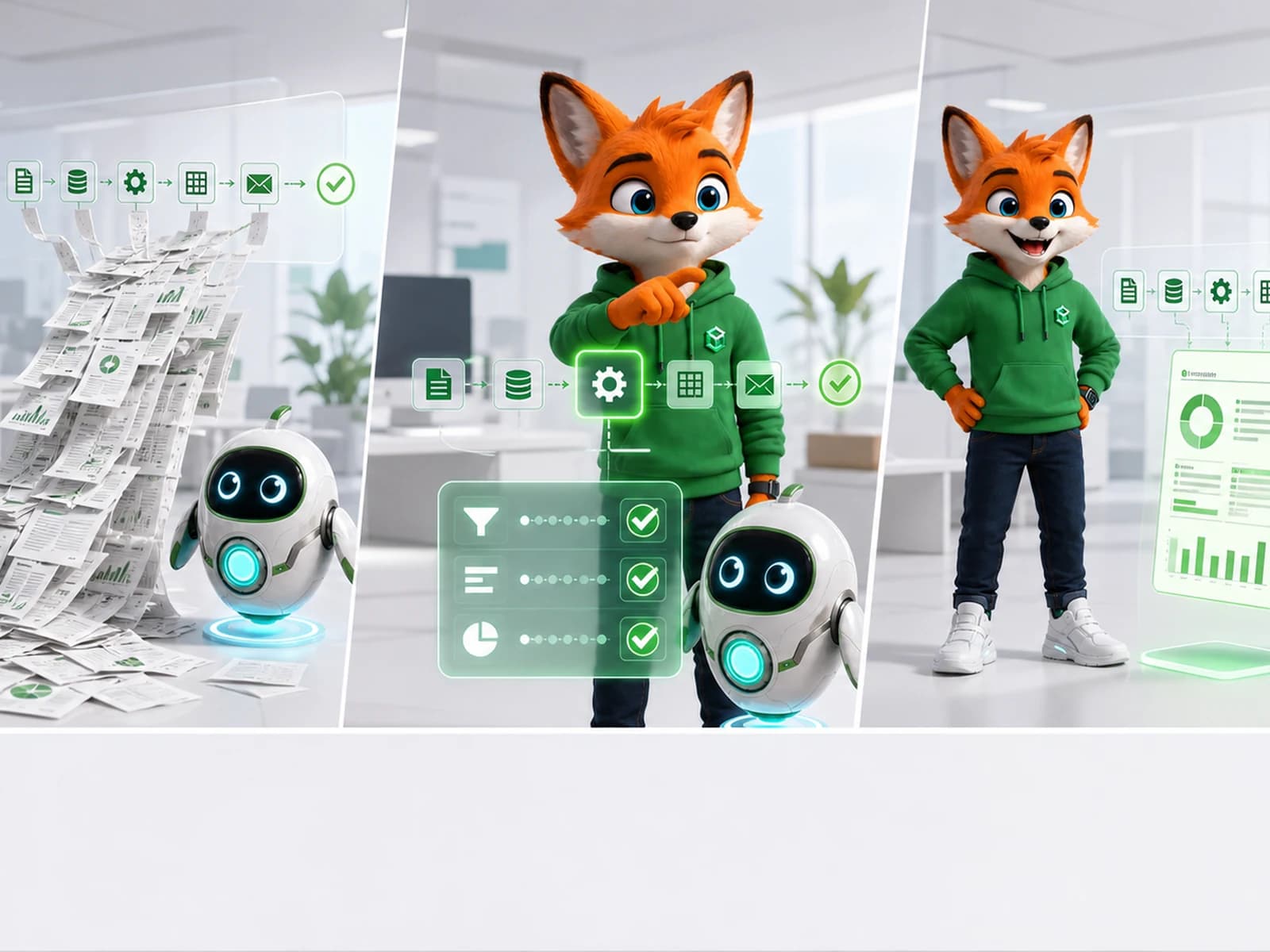
Suddenly, “write my weekly report” is not one job.
It is eight smaller jobs.
And now AI becomes much easier to use.

R — Route to Human or AI
Look at those eight steps.
Some are perfect for AI.
AI can help group notes, find repeated themes, turn rough bullets into a first draft, and clean up the format.
But should AI decide which customer problem matters most?
Probably not.
Should it decide whether a delay needs to be escalated to your manager?
Also probably not.
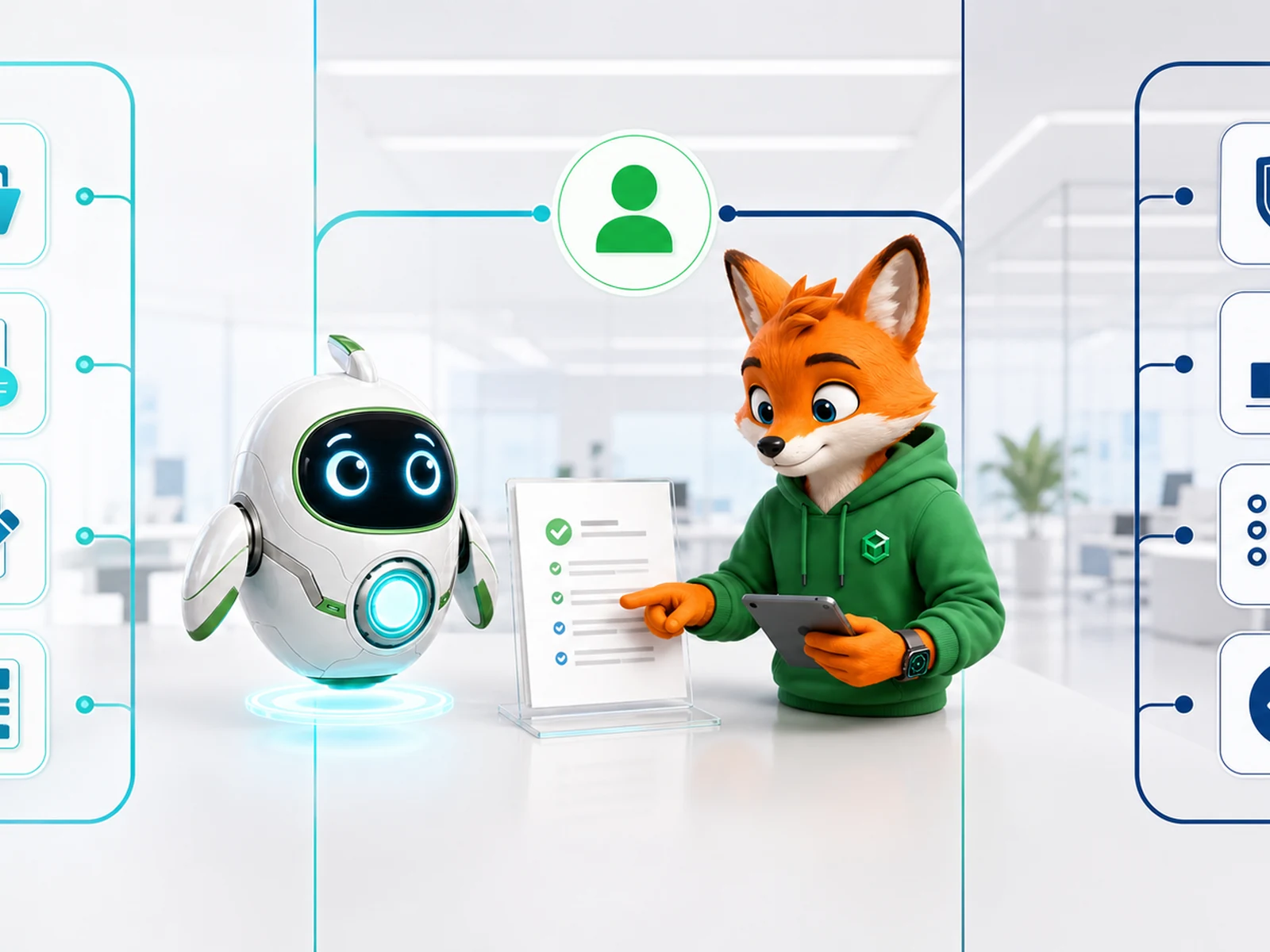
So we divide the work.
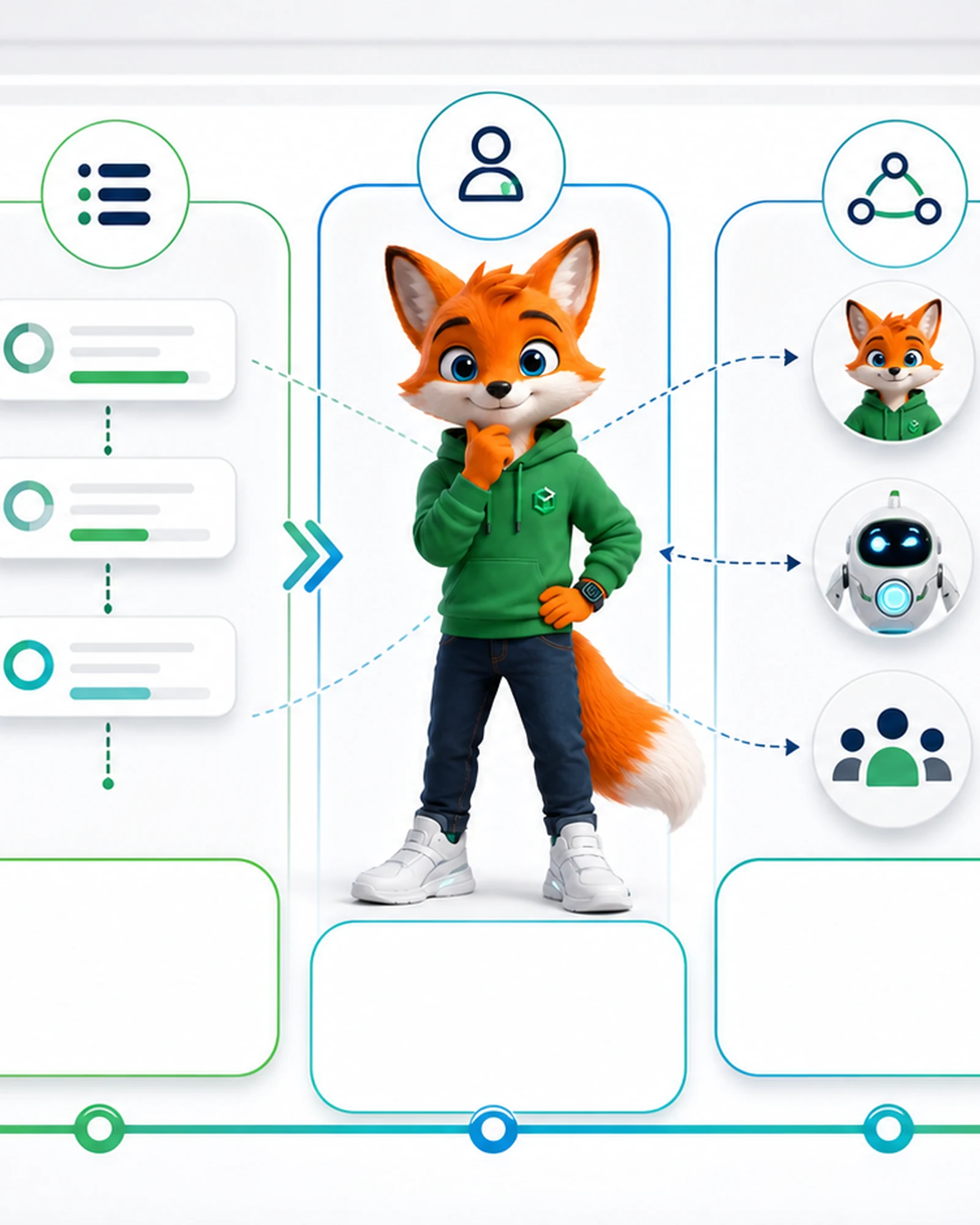
AI: organize, summarize, draft, format.
You: verify, interpret, prioritize, approve.
There is also a useful middle category:
AI + You: AI prepares something; you review it before it goes anywhere.
That is where many of the best workplace uses of AI live.
Coffee Break
Think of one job you did twice last week.
Can you explain it in five to eight steps?
If yes, congratulations.
You are already halfway to building a workflow.
No complicated diagram required.
K — Keep Improving
Your first workflow will probably be a little messy.
That is normal.
Use it once.
Maybe AI produces a report that is too long.
Fine. Add: “Keep the summary under 150 words.”
Maybe it misses an important category.
Add that category to your input checklist.
Maybe you discover that you should check the numbers before asking AI to write the summary.
Move the checkpoint.
Then save the improved version.
Next Friday, you do not start from zero.
That is the real productivity gain.
Your Five-Line Workflow Template
You can build your first workflow in a note:
Task: What job keeps coming back?
Input: What information do I need?
Steps: What happens from beginning to end?
AI: Where can AI save me time?
Human check: Where must I verify or decide?
That’s it.
You can make it more sophisticated later.
For now, simple is good.
PATH Insight
Sometimes the biggest AI improvement is not a smarter prompt. It is a clearer way of working.
A folder full of clever prompts is useful.
A workflow you actually use every Friday is better.
Try It Today
Choose one task that normally takes at least 20 minutes.
Write down the steps.
Next to each step, write:
- A — AI can help.
- H — Human should handle this.
- A+H — AI prepares it; human checks it.
Then choose only one or two AI steps.
Try them.
Did you save time?
Did you create more work by correcting the answer?
What still needed your experience?
Change the workflow and save it.
You have just built version 1.0 of your personal AI workflow.
Key Takeaways
- Do not automate a process you do not understand.
- Break recurring work into small steps.
- Give AI the repetitive work it handles well.
- Keep human judgment around facts, context, priorities and decisions.
- Save what works so you do not start from zero next time.
- Your first AI workflow can be extremely simple.
Next Issue
Now that we have a workflow, let’s apply it to something almost everyone deals with every day:
Issue #012 — AI for Email and Business Communication
FAQ
Questions professionals often ask
What is a personal AI workflow?
It is a repeatable way to complete a recurring task by deciding what a human does, what AI can assist with, and where the result must be checked.
Do I need coding skills to build an AI workflow?
No. You can begin by observing a recurring task, writing down the real steps, assigning each step appropriately, and improving the process after use.
What does W.O.R.K. stand for?
Watch the Work, Outline the Steps, Route to Human or AI, and Keep Improving.
Which task should I choose first?
Choose a low-risk task you repeat often, such as a weekly update, meeting preparation, research notes, or an email draft.