
AI Is Not Just a Search Box
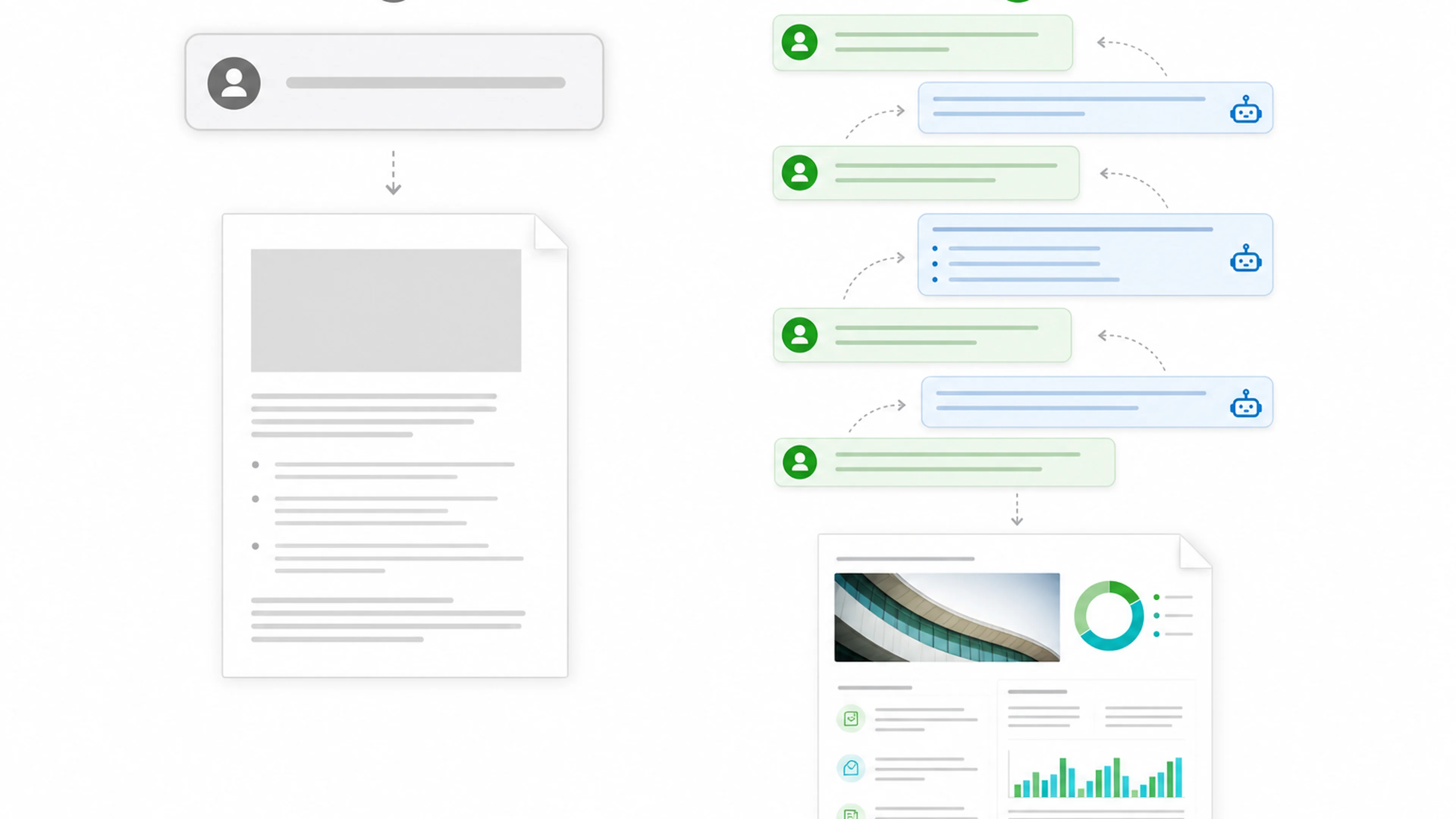
A search box is usually used to find an existing page, fact, or source. An AI assistant can do more: summarize, compare, reorganize, draft, critique, simulate alternatives, and transform information into a requested format.
That flexibility creates a new responsibility. You must manage the interaction.
When you type a request, the AI does not see your full situation. It does not automatically know:
- what business problem matters most;
- what your audience already understands;
- which facts are confidential;
- what tone your organization expects;
- what a successful answer should enable someone to decide or do.
A professional conversation makes these expectations visible over time.
The First Answer Is a Draft
Many users judge AI too early. They ask one question, receive one answer, and decide whether the tool is good or bad.
A better habit is to treat the first output as a draft. A draft can reveal what the AI understood, what it missed, and what needs clarification.
For example, suppose you ask:
Summarize this meeting.
The AI may produce a general paragraph. You can then respond:
Rewrite the summary as three sections: decisions, owners, and deadlines. Flag any item that does not have a clear owner.
The second response is likely to be more useful because you converted your evaluation into a focused instruction.
This is iterative prompting: using the conversation to improve the result step by step.
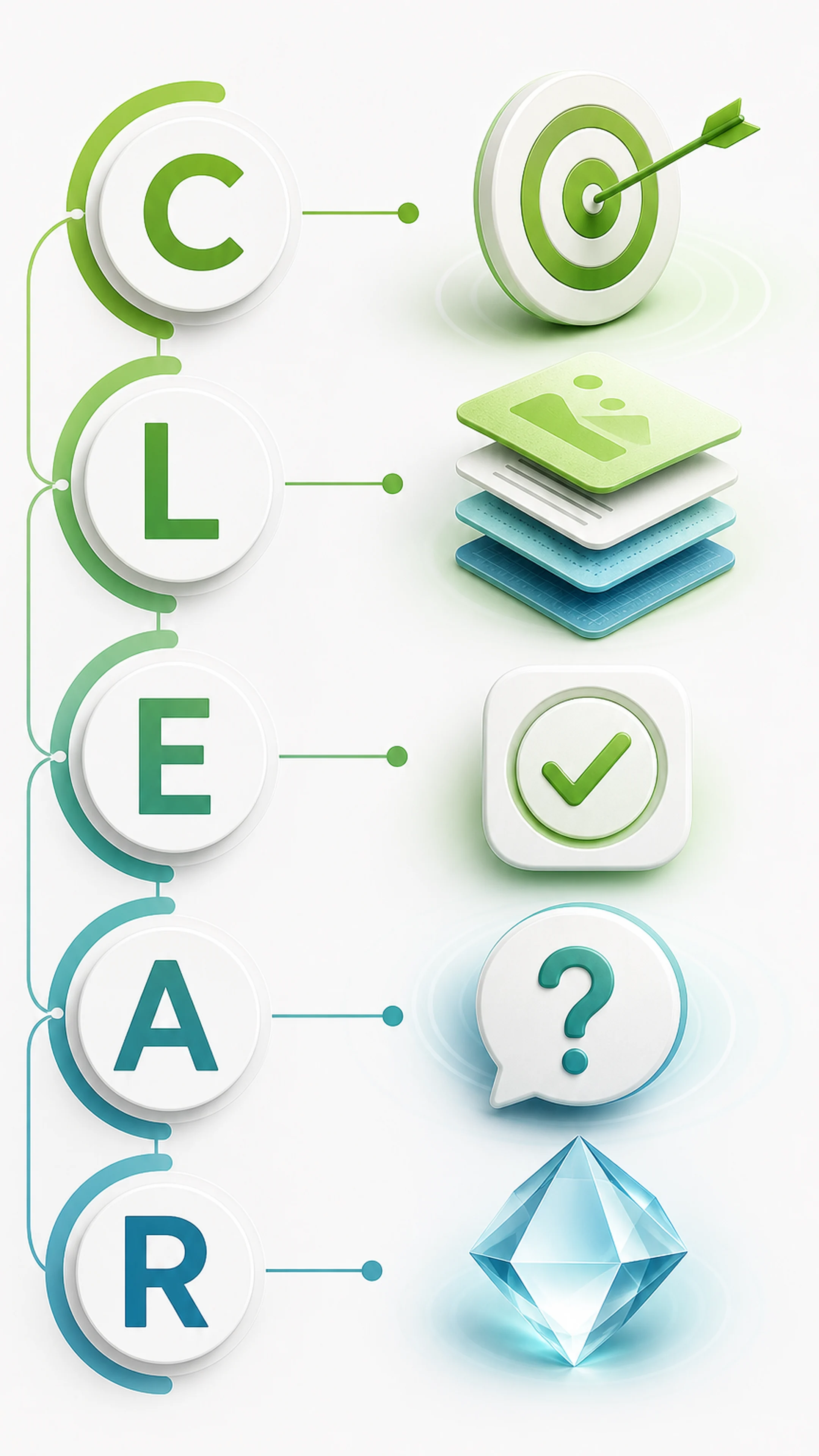
The C.L.E.A.R. Framework
C — Clarify the Task
Begin by naming the job and the practical outcome.
Weak:
Help me with this data.
Clearer:
Analyze the attached monthly defect data and identify the three largest changes that require management attention.
The clearer version defines both the action and the decision context.
Useful clarification questions include:
- What am I trying to produce?
- What decision or action should this support?
- Who will use the result?
- What must not be included?
L — Layer Information
Do not overload the first message with every detail you know. Start with the core brief, then add relevant information in layers.
You might provide:
- the objective;
- the source material;
- audience expectations;
- constraints;
- an example of the preferred style.
Layering helps you see which information changes the answer. It also makes long tasks easier to control.
Example:
Draft a one-page project update for senior management.
Then add:
The project is two weeks behind because supplier validation took longer than expected. The audience wants a recovery plan, not a technical explanation.
Then add:
Use a calm, accountable tone. Include status, business impact, recovery actions, owner, and revised date.
Each layer reduces ambiguity without turning the conversation into a wall of instructions.
E — Evaluate the Response
Do not ask only, “Do I like this?” Evaluate the output against clear criteria.
Check:
- Is it factually supported by the information provided?
- Does it answer the real question?
- Is the audience appropriate?
- Is the format usable?
- Are important assumptions visible?
- Is anything missing, exaggerated, or invented?
For consequential topics—such as finance, law, health, safety, compliance, or major business decisions—verify the answer with reliable sources and qualified people. A fluent answer is not automatically a correct answer.
A — Ask Focused Follow-Up Questions
Follow-up questions are where much of the value appears.
Avoid broad reactions such as:
Make it better.
Use specific guidance:
The analysis is too general. Compare March and April, explain the two largest changes, and separate confirmed causes from hypotheses.
Other useful follow-ups include:
- What assumptions did you make?
- Which part of the evidence is weakest?
- Give me three alternatives with different trade-offs.
- What information would change your recommendation?
- Rewrite this for a non-technical executive audience.
- Reduce this to a five-item action list.
Focused questions help the AI work on the part that matters.
R — Refine Until Useful
Refinement does not mean endless editing. It means moving toward a result that is accurate enough, clear enough, and practical enough for its purpose.
A simple refinement loop is:
- keep what works;
- identify the biggest weakness;
- request one meaningful improvement;
- review again;
- stop when the output meets the real need.
Professional use also includes knowing when to stop using AI. If the task requires confidential judgment, legal authority, safety approval, or accountability that belongs to a person, AI should support the work—not replace the responsible decision-maker.
Workplace Example: Preparing an Executive Update
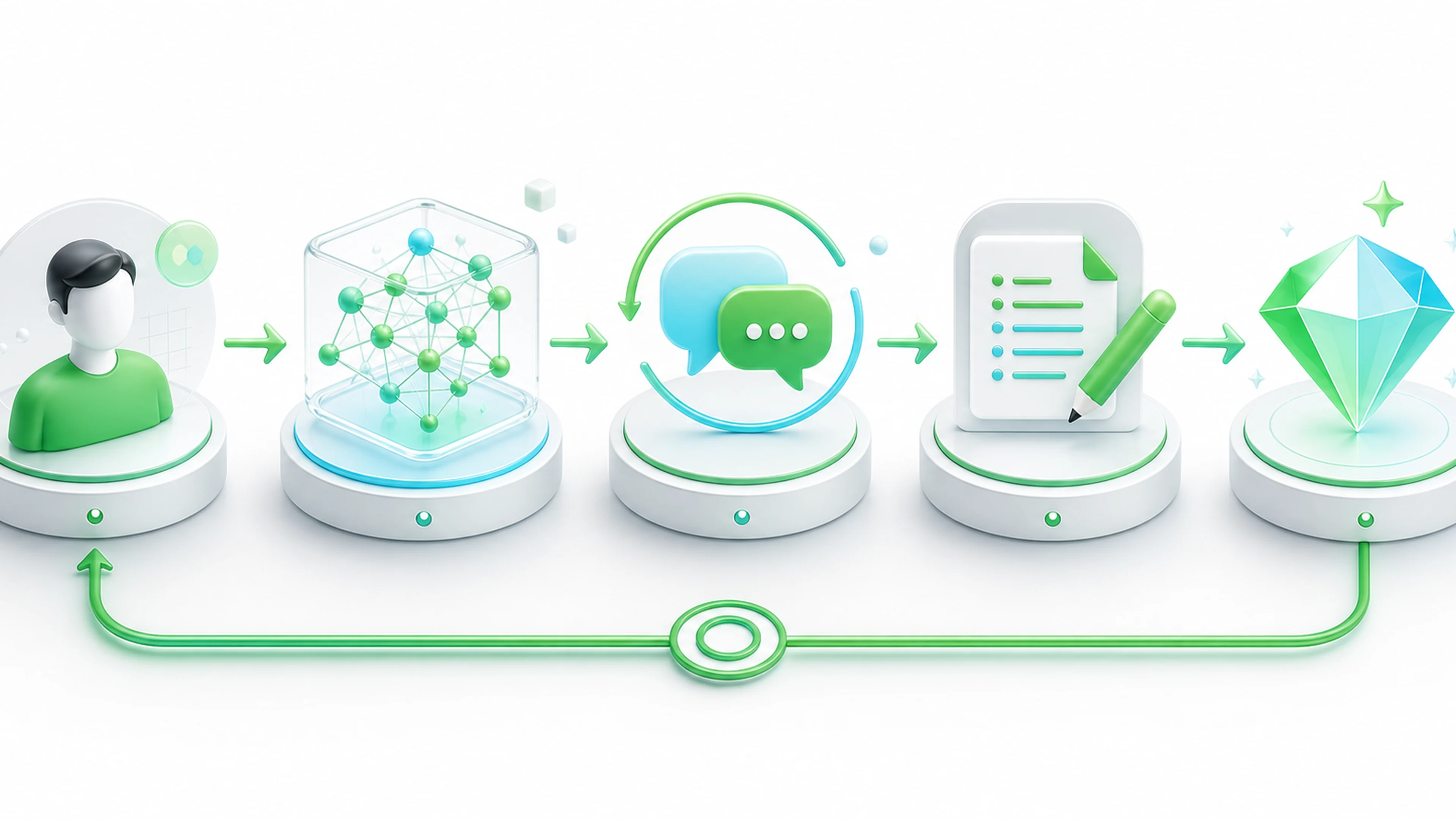
Write a project update.
AI Response Problem
The response is generic, optimistic, and does not mention risk.
Clarify
Prepare a one-page update for the executive steering committee. The purpose is to explain the delay and obtain approval for the recovery plan.
Layer
The launch is delayed by ten days. The cause is incomplete supplier validation. Customer impact is currently low, but the schedule risk is increasing. The recovery plan adds a second validation shift and daily escalation.
Evaluate
The draft includes the facts but lacks a clear decision request.
Ask
Add a section titled “Decision Required.” State the approval needed, owner, deadline, and consequence of no decision.
Refine
Reduce the update to 250 words and use neutral, accountable language.
The final result is useful because the conversation progressively connected the output to the real management need.
Factory Example: Investigating a Yield Change
Suppose a production team sees a sudden yield decrease.
A weak request would be:
Why did yield fall?
The AI may guess causes that sound plausible but are not supported by your data.
A professional conversation would say:
Review the attached weekly yield table. First, identify when the change began and which product or process step contributed most. Do not propose root causes yet.
After reviewing the response:
Separate confirmed observations from possible explanations. For each hypothesis, list the additional evidence needed to test it.
Then:
Convert the result into an investigation plan with owner, data source, due date, and decision criterion.
This keeps facts, hypotheses, and actions separate. That distinction is essential in operations, quality, and engineering work.
Do not paste trade secrets, personal data, customer-confidential information, or regulated content into an AI system unless your organization explicitly permits it and the tool is approved for that information.
Office Example: Turning Notes into Action
You paste meeting notes and ask:
Summarize these notes.
The answer is readable but not actionable.
A better conversation continues:
Extract decisions, action items, owners, and deadlines into a table. Mark missing owners or dates as “Not assigned.”
Then:
Draft a concise follow-up email. Do not invent commitments. Ask the team to confirm the two unresolved items by Friday.
The AI becomes more useful when you direct it toward the next real action.
Coffee Break
A professional AI conversation does not require formal language. You do not need to say “please” in every sentence, and politeness does not make the system more intelligent.
However, clear and respectful wording can improve your own thinking. When you write as if briefing a capable colleague, you are more likely to include purpose, context, and standards.
The benefit comes from clarity—not ceremony.
PichaiTech Insight
The most valuable AI users are not those who ask the longest questions. They are those who can inspect a draft, identify the biggest gap, and guide the next step.
This is a transferable professional skill. It combines communication, critical thinking, and judgment.
Try It Today
Choose one real task you would normally complete today: an email, a summary, a meeting agenda, a comparison, or a short report.
Use this sequence:
- Clarify the task and purpose.
- Layer only the relevant facts and constraints.
- Evaluate the first answer against three criteria.
- Ask one focused follow-up question.
- Refine the output once more before using it.
Before sending or publishing anything, verify names, numbers, dates, commitments, and sensitive information.
Key Takeaways
- Treat AI as a working conversation, not a one-shot search box.
- The first answer is a draft, not a final authority.
- Use C.L.E.A.R.: Clarify, Layer, Evaluate, Ask, Refine.
- Give focused feedback instead of saying “make it better.”
- Separate observations, assumptions, hypotheses, and decisions.
- Protect confidential information and verify high-impact outputs.
- Human judgment remains responsible for the final result.
Tomorrow's Question
How can you check whether an AI answer is accurate, incomplete, or confidently wrong?
Issue #006 will introduce a practical verification routine for everyday AI use.
FAQ
Questions professionals often ask
Should I expect the first AI answer to be final?
No. Treat it as a draft to evaluate and improve.
What does C.L.E.A.R. stand for?
Clarify, Layer, Evaluate, Ask, and Refine.
Does being polite make AI more accurate?
Not by itself. Clear instructions, relevant context, and verification matter more.
How many follow-up questions should I ask?
Ask only what meaningfully improves the result; stop when it meets the real need.
Can I paste confidential work information into AI?
Only when your organization permits it and the tool is approved for that data.