Introduction
AI can write clearly, answer quickly, and sound remarkably confident.
But confidence is not the same as correctness.
Sometimes an AI system produces information that is false, unsupported, outdated, or completely invented. This is commonly called an AI hallucination.
The danger is not always an obviously absurd answer. The most difficult hallucinations are polished, detailed, and believable.
That is why recognizing them has become an essential professional skill.
What Is an AI Hallucination?
An AI hallucination occurs when an AI generates information that appears plausible but is not grounded in reliable evidence.
It may invent:
- a statistic;
- a quotation;
- a person;
- a company policy;
- a research paper;
- a legal requirement;
- a product feature;
- an event that never happened.
The answer may still be grammatically correct and professionally written. That polished presentation can make the error harder to notice.
Why Does This Happen?
Generative AI predicts likely words and patterns. It does not automatically know whether every statement is true.
When information is missing, ambiguous, highly specific, or outside the system's reliable context, the AI may fill the gap with something that sounds reasonable.
Hallucinations are more likely when:
- the question requests obscure details;
- the prompt assumes a false fact;
- current information is required;
- the AI is asked for an exact citation;
- the task involves unfamiliar names or numbers;
- the user pressures the AI to answer even when uncertain.
Warning Signs
1. Unusually precise details without evidence
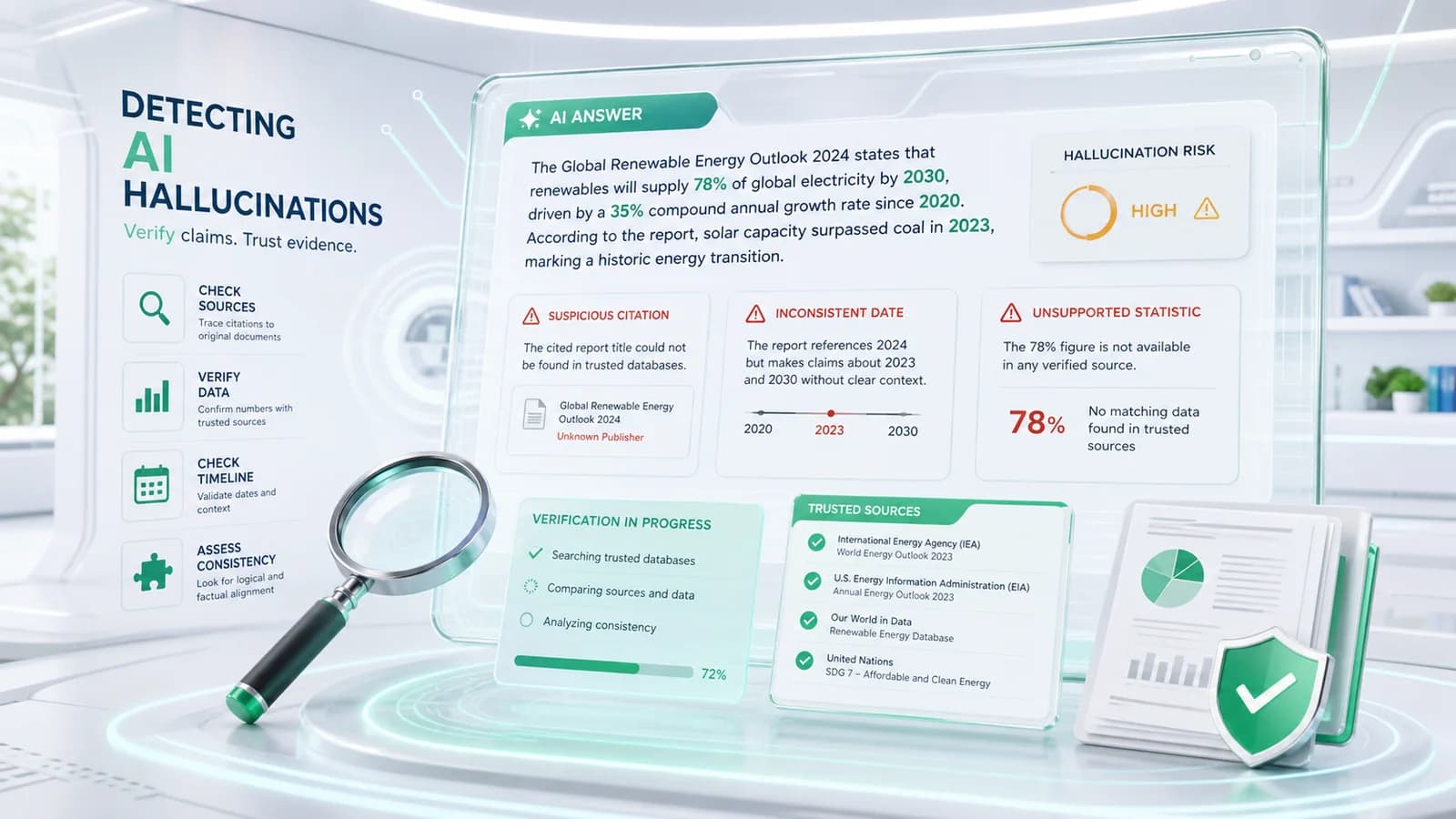
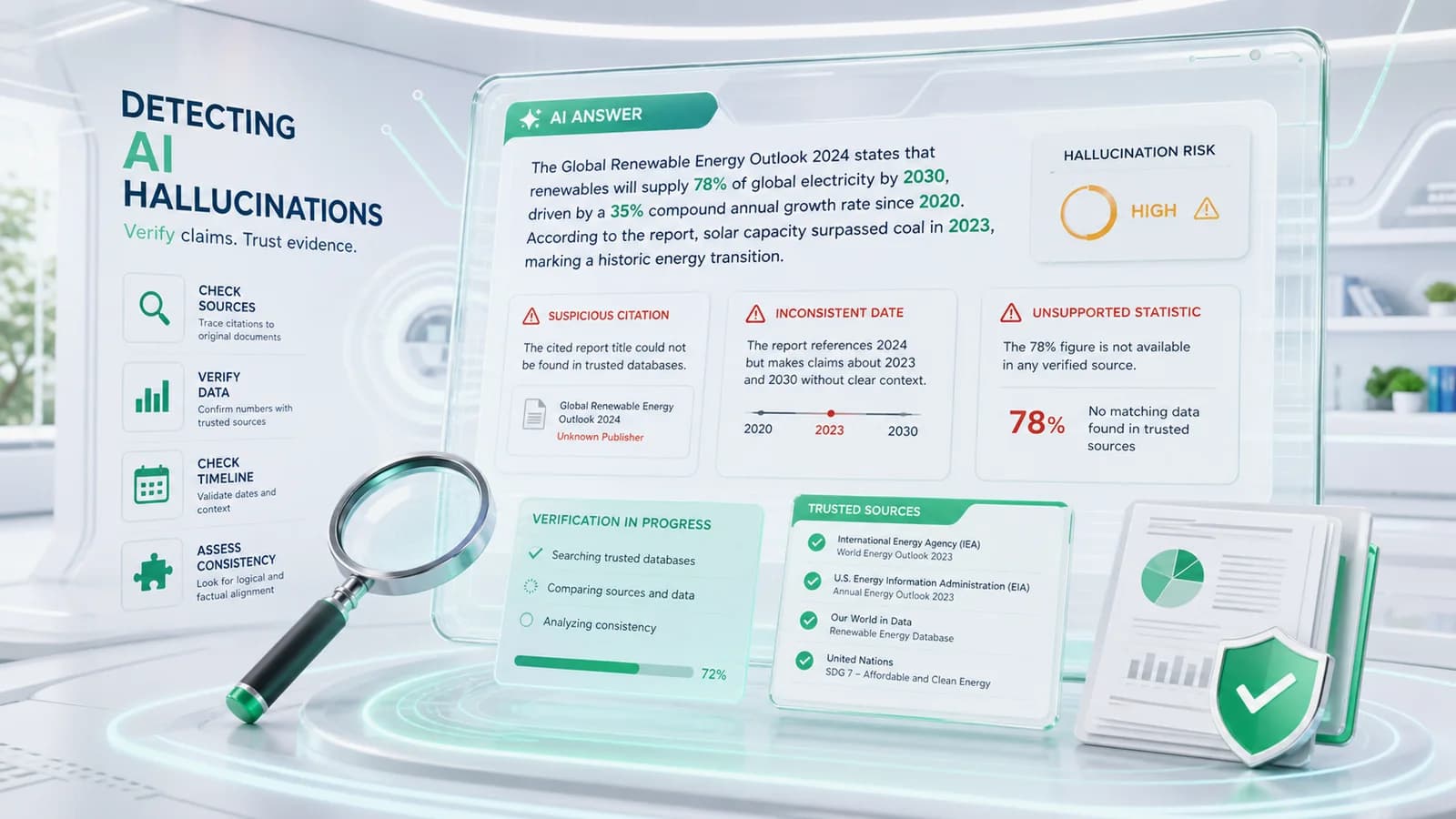
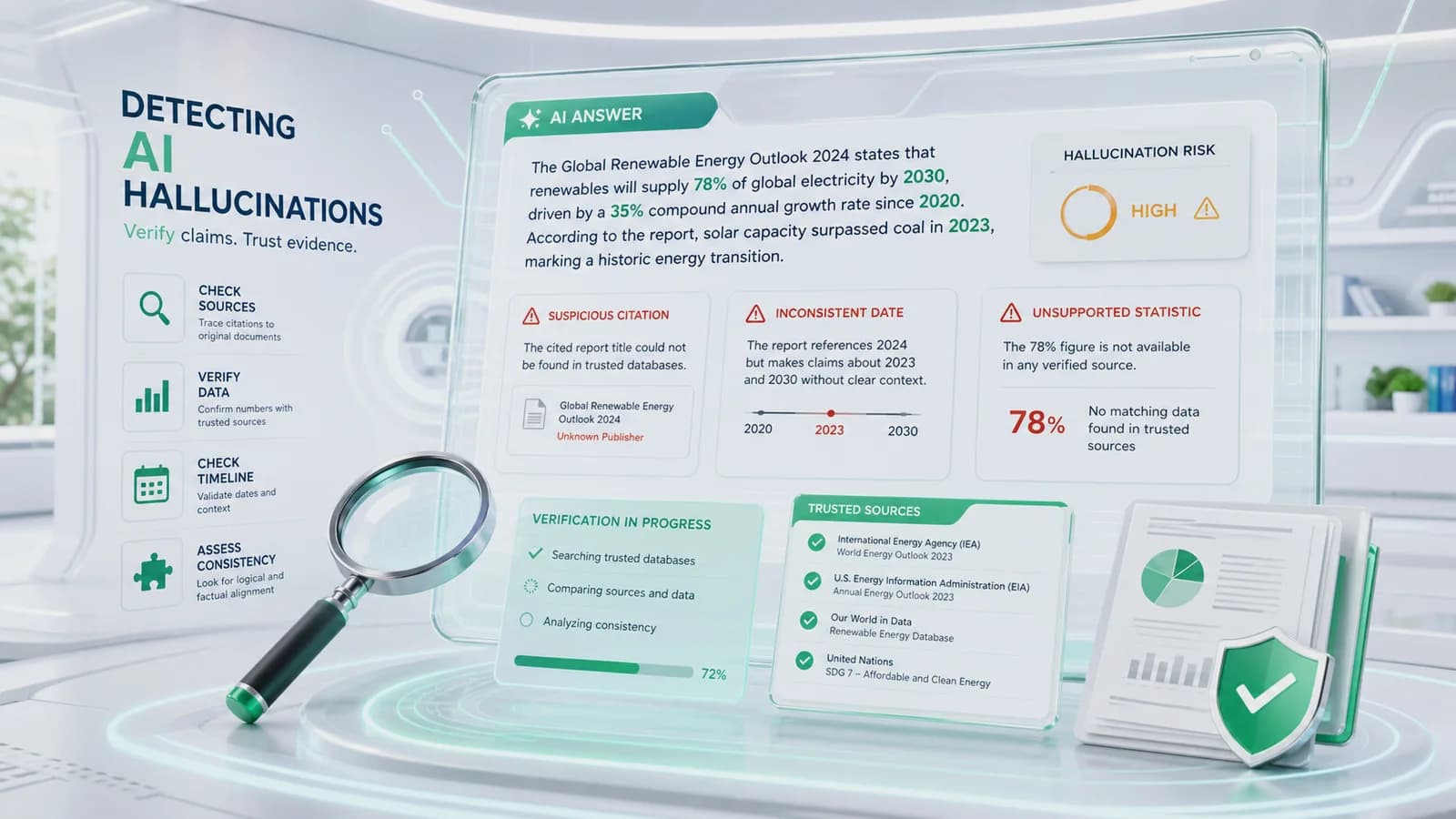
Be cautious when an answer includes exact percentages, dates, page numbers, quotations, or technical specifications without showing where they came from.
Precision can look authoritative even when it is invented.
2. References that cannot be found
AI may create a realistic-looking book title, journal article, author, report, or web address.
Always confirm that the source actually exists.
3. Confident language with no uncertainty
A weak answer may still use phrases such as “definitely,” “always,” or “research proves.”
Strong language is not proof.
4. Internal contradictions
The answer may disagree with itself across different paragraphs.
Check names, dates, numbers, definitions, and conclusions for consistency.
5. An answer that perfectly confirms your assumption
AI often follows the direction of the prompt. If the question contains a false assumption, the answer may continue from it instead of correcting it.
The S.P.O.T. Framework
S — Slow Down
Do not copy an AI answer directly into an email, report, presentation, or decision.
Pause when the information matters.
Ask yourself:
- Is this claim important?
- Could an error create risk?
- Does this sound too certain?
- Do I recognize the source?
A short pause prevents many avoidable mistakes.
P — Probe the Answer
Ask the AI to explain the claim.
Useful follow-up questions include:
- What evidence supports this?
- Which parts are uncertain?
- What assumptions did you make?
- Can you separate facts from recommendations?
- Could any details be outdated?
The goal is not to make the AI approve its own answer. The goal is to expose weak reasoning and unsupported details.
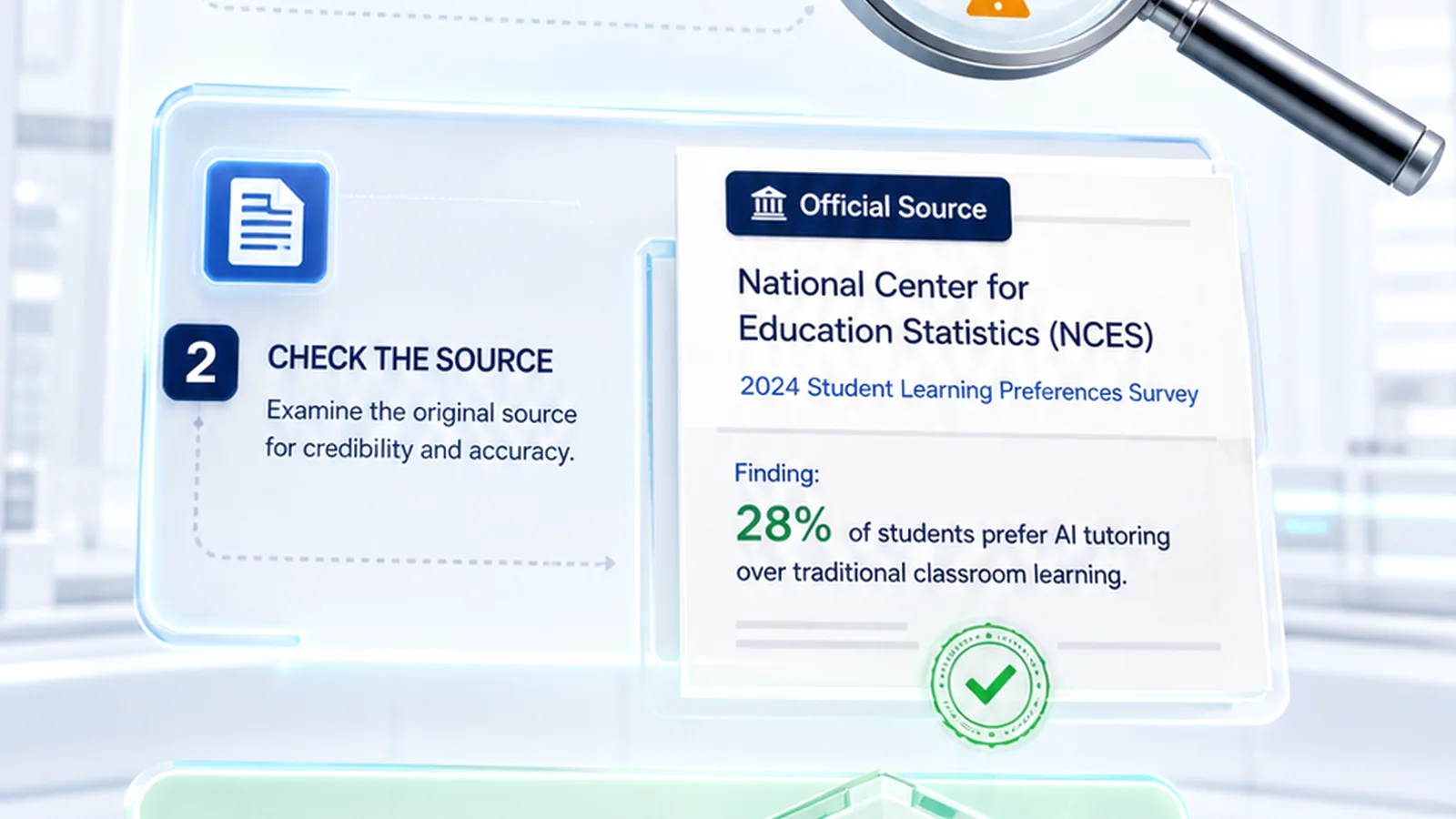
O — Open Reliable Sources
Verify important information using trustworthy sources.
Examples include:
- official government websites;
- company documentation;
- original research papers;
- recognized professional organizations;
- internal company policies;
- verified datasets.
For high-impact work, do not rely only on another AI-generated summary.
T — Test Before Trusting
Compare the answer against known facts, another reliable source, or a small real-world test.
For example:
- test a formula with sample data;
- check a quotation in the original document;
- confirm a product feature in official documentation;
- ask a subject-matter expert to review the result.
Trust should come after testing, not before it.

Workplace Example
Imagine that an AI assistant says:
“A new regulation requires every manufacturer to submit a monthly AI compliance report beginning next quarter.”
The statement sounds specific and urgent.
Using S.P.O.T.:
- Slow Down: Recognize that a regulatory claim could affect the business.
- Probe: Ask for the regulation name, jurisdiction, date, and official reference.
- Open Sources: Check the responsible government agency's website.
- Test: Confirm with the legal or compliance team before acting.
If the regulation cannot be found, the claim should not be used.
A Practical Hallucination Checklist
Before using AI output, check:
- Can I identify the source?
- Does the source really exist?
- Is the information current?
- Are names, dates, and numbers consistent?
- Is the answer separating facts from opinions?
- Does the answer admit uncertainty?
- Can the claim be independently verified?
- Would I defend this information in front of a customer, manager, or regulator?
If the final answer is “no,” verify again.
What AI Is Still Good For
Hallucinations do not make AI useless.
AI remains valuable for:
- drafting;
- brainstorming;
- summarizing material you provide;
- organizing ideas;
- creating questions;
- comparing alternatives;
- improving clarity.
The safest approach is to treat AI as a fast assistant whose work still requires review.
Key Takeaways
- AI can sound confident while being wrong.
- Exact details and citations require verification.
- Hallucinations often appear when information is missing or highly specific.
- Use S.P.O.T.: Slow Down, Probe, Open Sources, Test.
- Human judgment remains responsible for the final decision.
Conclusion
The goal is not to distrust every AI answer.
The goal is to develop informed trust.
AI can help you move faster, but verification keeps you moving in the right direction.
Next Issue: Issue #008 — *Can AI Think?*
FAQ
Questions professionals often ask
What is an AI hallucination?
An AI hallucination is plausible-looking information generated without reliable supporting evidence.
Why does AI invent information?
Generative AI predicts likely patterns and may fill missing or ambiguous context with details that sound reasonable.
How can I verify an AI citation?
Search for the original publication, author, title, date, and official source rather than relying on the AI summary.
Can AI hallucinations be eliminated completely?
No. Important claims still require independent verification and human review.
What is the S.P.O.T. framework?
S.P.O.T. means Slow Down, Probe the Answer, Open Reliable Sources, and Test Before Trusting.